

• Skip to main content
  • Skip to header right navigation
  • Skip to after header navigation
  • Skip to site footer
islanddhc
鄰舍輔導會 The Neighbourhood Advice-Action Council

離島地區康健站 Islands DHC Express

  • Font Size
  • 繁
  • 简
Font Size |
  • 繁
  • 简
| Facebook
  • Home
  • About Us
  • Services
    • Service Scopes
    • Service Flow
    • Service Charge
    • Service Faq
  • Member
  • Health Act
    • News
    • Featured Activities
    • Event Calendar
  • NSP
    • Network Service Provider List
    • Be a Network Service Provider
  • Health Info
  • Community Info
    • List of Service Providers
  • Contact Us
  • Join Us
    • Recruitment
    • Volunteer
  • Home
  • About Us
  • Services
    • Service Scopes
    • Service Flow
    • Service Charge
    • Service Faq
  • Member
  • Health Act
    • News
    • Featured Activities
    • Event Calendar
  • NSP
    • Network Service Provider List
    • Be a Network Service Provider
  • Health Info
  • Community Info
    • List of Service Providers
  • Contact Us
  • Join Us
    • Recruitment
    • Volunteer

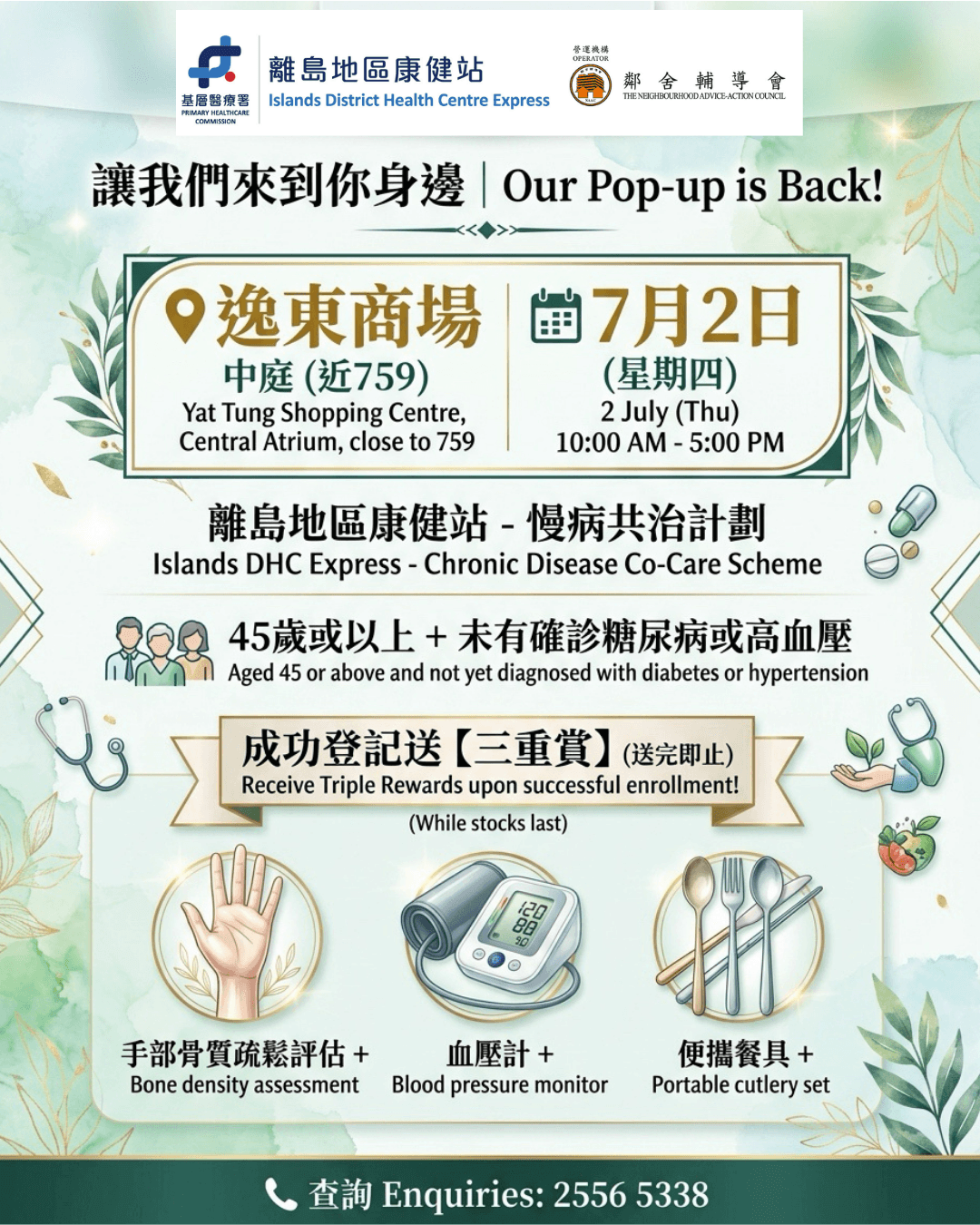
Calling Yat Tung Estate neighbours! Islands DHC Express Pop-up Event is coming to Yat Tung Shopping Centre!

2026-06-22

If you are aged 45 or above and have not yet been diagnosed with diabetes or hypertension, come and enroll in the government-subsidised Chronic Disease Co-Care Scheme!
Receive Triple Rewards upon successful enrolment!(While stocks last)

  1. Bone density assessment
  2. Blood pressure monitor
  3. Portable cutlery set

Central Atrium, Yat Tung Shopping Centre (near 759)
2 July (Thu)
10:00 AM – 5:00 PM

Prevention is better than cure. Take action early and stay on top of your health!
Bring your parents, family members, and neighbours along to enroll!

Disclaimer: Islands DHC Express reserves the sole and absolute right to modify, suspend, or terminate any activity at its discretion. In the event of any dispute, the decision of Islands DHC Express shall be final and binding.
Calling Yat Tung Estate neighbours! Islands DHC Express Pop-up Event is coming to Yat Tung Shopping Centre!
Previous Post: « Due to an extension of the maintenance works, services at the Islands District Health Centre Express (Tai O Service Point) will continue to be relocated to the Lung Tin Service Point from July to August. Due to an extension of the maintenance works, services at the Islands District Health Centre Express (Tai O Service Point) will continue to be relocated to the Lung Tin Service Point from July to August.
Next Post: 7月健康講座|先到先得活動 7月健康講座 »

Islands DHC ExpressThe Neighbourhood Advice-Action Council

Our Services

    1. Health Promotion Activities
    2. Health Assessment and chronic disease screening & treatment
    3. Disease management

Tel:2556 5338
Email:dhcx@naac.org.hk

About Us
Service Scopes
Service Flow
Service Charge
FAQs
Membership Eligibility
Latest News
Featured Activities

Event Calendar
Network Service Providers List
Be a Network Service Provider
Health Info
List of service organizations
Contact Us
Recruitment
Be a volunteer

                   
Sitemap    Disclaimer    Privacy Policy    Copyright    Accessibility Statement
© 2026 All Rights Reserved
Last Update: 30 June 2026

Font Size

After adopting the adaptive web design, you can easily change the font size to suit your personal needs.

Hotkey

If you browse Islands DHC Express (“DHC”) website on a desktop computer, a modern web browser will allow you to hold down the Ctrl key
(Command key on a Macintosh) and press the + or – key to increase or decrease the text size, and 0 to go back to the default size.

On a smartphone or a tablet, you can simply pinch open on the screen to zoom in (i.e. to enlarge) and pinch close to zoom out (i.e. to reduce) everything.

Menu

You may also change the text size from the menu. Choose from the following web browsers for specific instructions:

    • Chrome
      On the Page menu, select Zoom, then Larger.
    • Firefox
      On the View menu, select Zoom, then Zoom In. Or you may click on the Menu icon and select + or – to make the text size bigger or smaller.
    • Internet Explorer / Edge
      On the View menu, select Text Size, then Largest.
      Or you may click on the IE Settings icon, select Zoom, then choose a percentage or click Zoom In.
    • Opera
      On the View menu, select Zoom. Then choose a percentage.
    • Safari
      On the View menu, select Make Text Bigger.

Font Size

After adopting the adaptive web design, you can easily change the font size to suit your personal needs.

Hotkey

When using smartphones and tablets, you can zoom in or out by simply sliding your finger on the screen.